#379gcollazo/mongodbapp: 一个将 MongoDB 服务端封装为一个 MacOS APP 的开源项目,安装之后,运行会启动一个 MongoDB 服务。
 eryajf2025/05/21


mongoDB.app
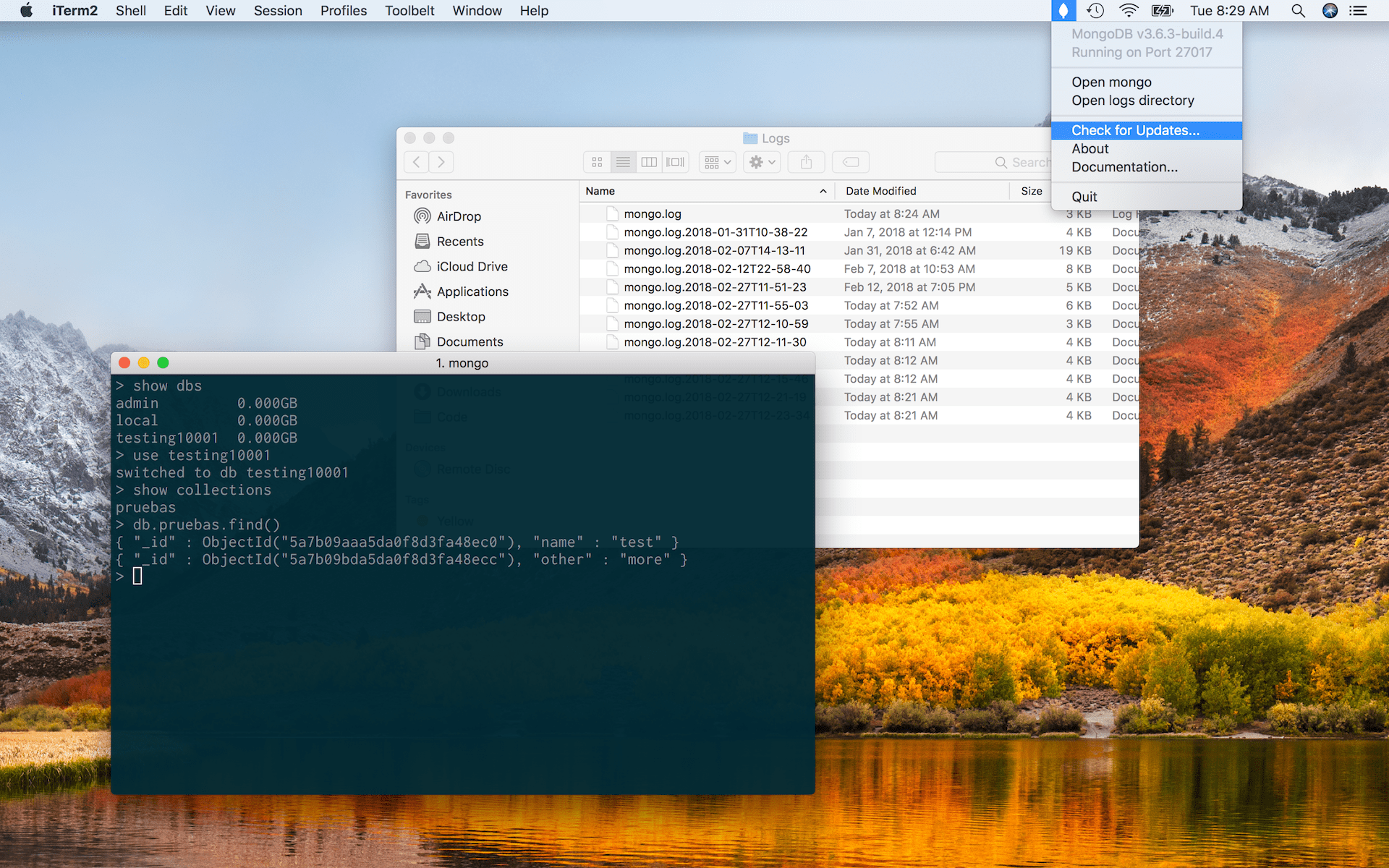
The easiest way to get started with mongoDB on the Mac.
Just download, drag to the applications folder, and double-click.
Download
Version numbers
Version numbers of this project (mongoDB.app) try to communicate the included version of the included mongoDB binaries bundled with each release.
The version number also includes a build number which is used to indicate the current version of mongoDB.app and it's independent from the bundled mongoDB's version.
Adding mongo binaries to your path
If you need to add the mongoDB binaries to your path you can do so by adding the following to your ~/.bash_profile.
# Add mongoDB.app binaries to path
export PATH="/Applications/MongoDB.app/Contents/Resources/Vendor/mongodb/bin:$PATH"
Or using the path_helper alternative:
sudo mkdir -p /etc/paths.d &&
echo /Applications/MongoDB.app/Contents/Resources/Vendor/mongodb/bin | sudo tee /etc/paths.d/mongodbapp
Installing with Homebrew Cask
You can also install MongoDB.app with Homebrew Cask.
$ brew cask install gcollazo-mongodbSimilar projects
mkdocs/mkdocs: MkDocs 是一个快速、简单且华丽的静态站点生成器,适用于构建项目文档。文档源文件是用 Markdown 编写的,并使用单个 YAML 配置文件进行配置。它的设计易于使用,并且可以通过第三方主题、插件和 Markdown 扩展进行扩展。mongo-express/mongo-express: 基于 Web 的 MongoDB 管理界面,使用 Node.js 和 Express 编写