
#320kubegems/kubegems: 围绕 K8s 通过自研和集成云原生项目而构建的通用性开源 PaaS 云管理平台, 支持多集群多租户
 eryajf2025/05/21



Let cloudnative management more easily.






Website • Docs • Demo • Wechat • Twitter • Slack • Sponsors
🇨🇳 Chinese(Simplified) 🇭🇰 Chinese(Traditional) 🇺🇸 English 🇯🇵 Japanese
Introduction
English | 中文
KubeGems is an open source, enterprise-class multi-tenant container cloud platform. Built around a cloud-native community, and kubegems provides access to multiple kubernetes clusters with rich component management and resource cost analysis capabilities to help enterprises quickly build and build a localized, powerful and low-cost cloud management platform.
Highlights
Kubegems follows the best practices of cloud-native applications and delivers them to users in the simplest and most efficient way.
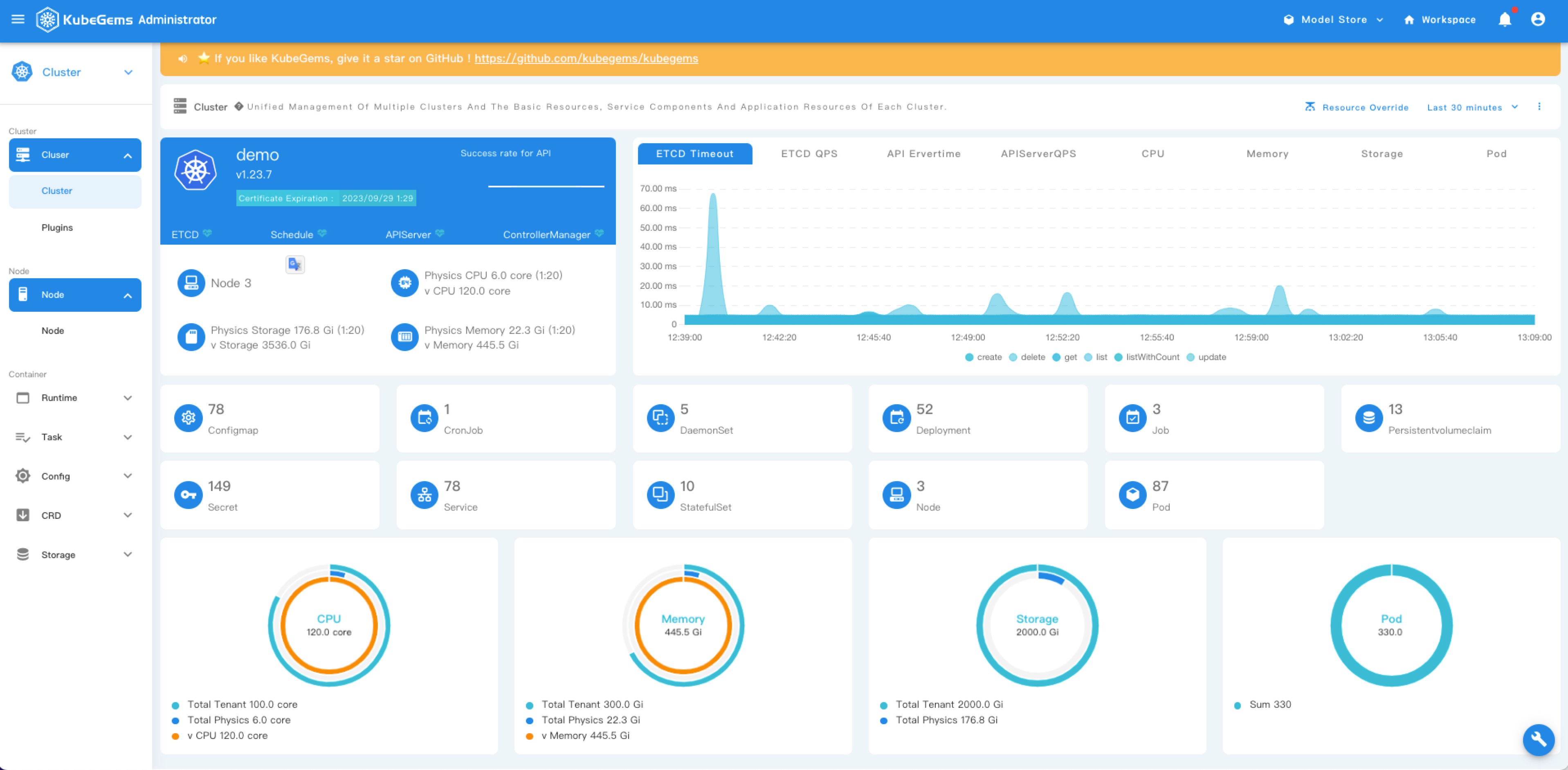
Multiple kubernetes cluster
Multi-tenancy
Plugins management
GitOps with Argocd/Rollout
Observability (OpenTelemetry)
ServiceMesh based on istio
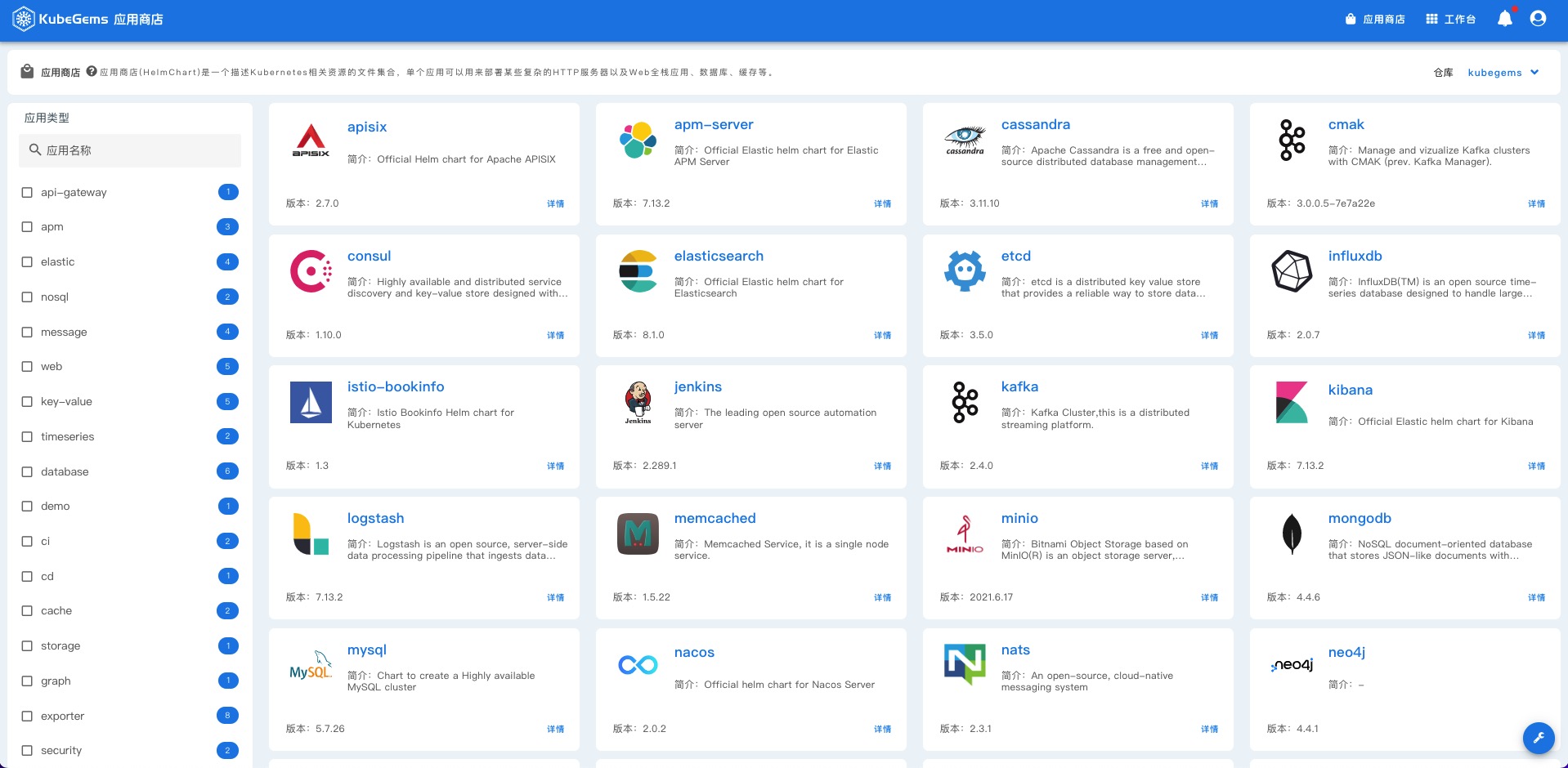
Applications Store
Smart ML(Machine Learning) Models Serving
Snapshots
| Clusters | WorkSpace |
 |
 |
| Application Store | AI Models Store |
 |
 |
| ServiceMesh | Observability |
 |
 |
Online Demo
You can visit our KubeGems Online Demo
account:
adminpassword:demo!@#admin
Getting started
Install Kubernetes cluster
You can Install your k8s cluster using any of the following methods, supported k8s version is v1.20 +
Installation
Choose a kubegems version from Kubegems Release:
export KUBEGEMS_VERSION=<TAG_NAME> # change to kubegems versionWhen your k8s cluster is ready, next you can install kubegems insatller operator on your cluster.
kubectl create namespace kubegems-installer
kubectl apply -f "https://github.com/kubegems/kubegems/raw/${KUBEGEMS_VERSION}/deploy/installer.yaml"
Install kubegems with installer operator.
kubectl create namespace kubegems

export STORAGE_CLASS=local-path  # set to your storageClass
curl -sL "https://github.com/kubegems/kubegems/raw/${KUBEGEMS_VERSION}/deploy/kubegems.yaml" \
| sed -e "s/local-path/${STORAGE_CLASS}/g" > kubegems.yaml

kubectl apply -f kubegems.yaml
More informations refer to https://www.kubegems.io/docs/installation/quick-install
Contributing
If you find this project useful, help us:
- Support the development of this project and star this repo! ⭐
- If you use the KubeGems in a production environment, add yourself to the list of production adopters 👌
- Help new users with issues they may encounter 🙋
- Send a pull request with your new features and bug fixes 🚀
We very much welcome your contribution and sharing in the KubeGems community in the fields of platform experience, standardized application, plugin sharing, etc.
More information refer to CONTRIBUTING.md.
Thanks to the contributors of KubeGems !